DEMO WALKTHROUGH
Slip
Stream
Petty cash, from slip to sign-off.
Buyer app
Accounts dashboard
←
BACK
SPACE
NEXT
→
NEXT
Press any key to begin
SLIP STREAM · DEMO WALKTHROUGH
Buyer app
Accounts dashboard
{{d.idx}}
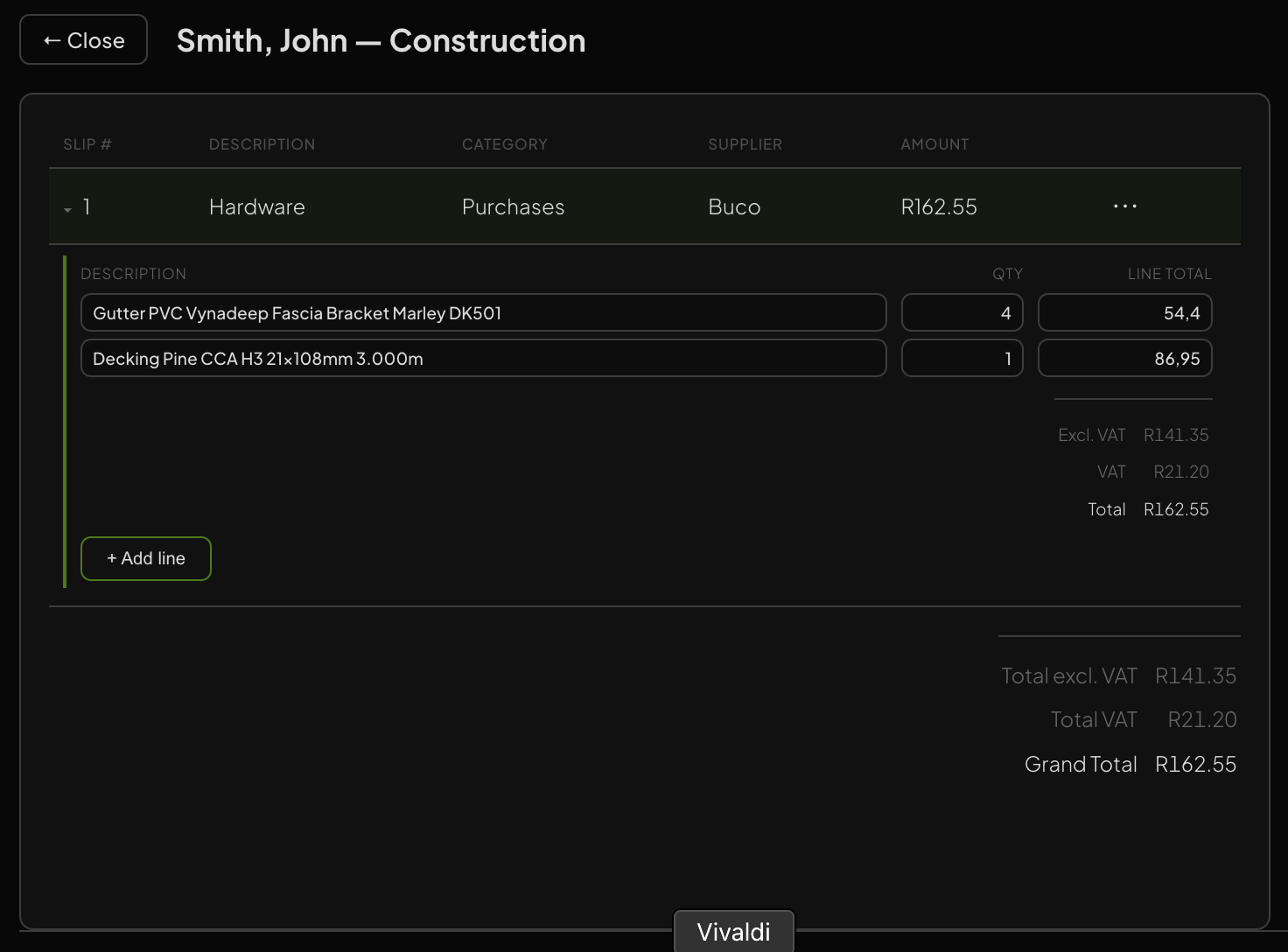
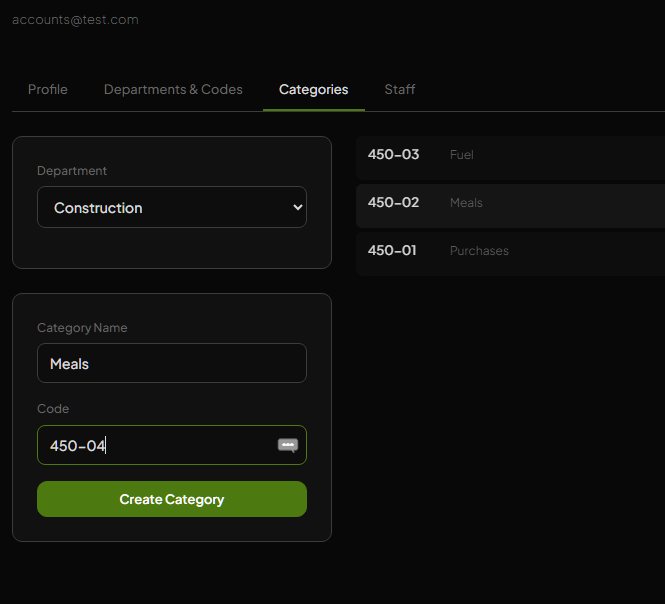
Set up the buyer
{{shotCaption}}
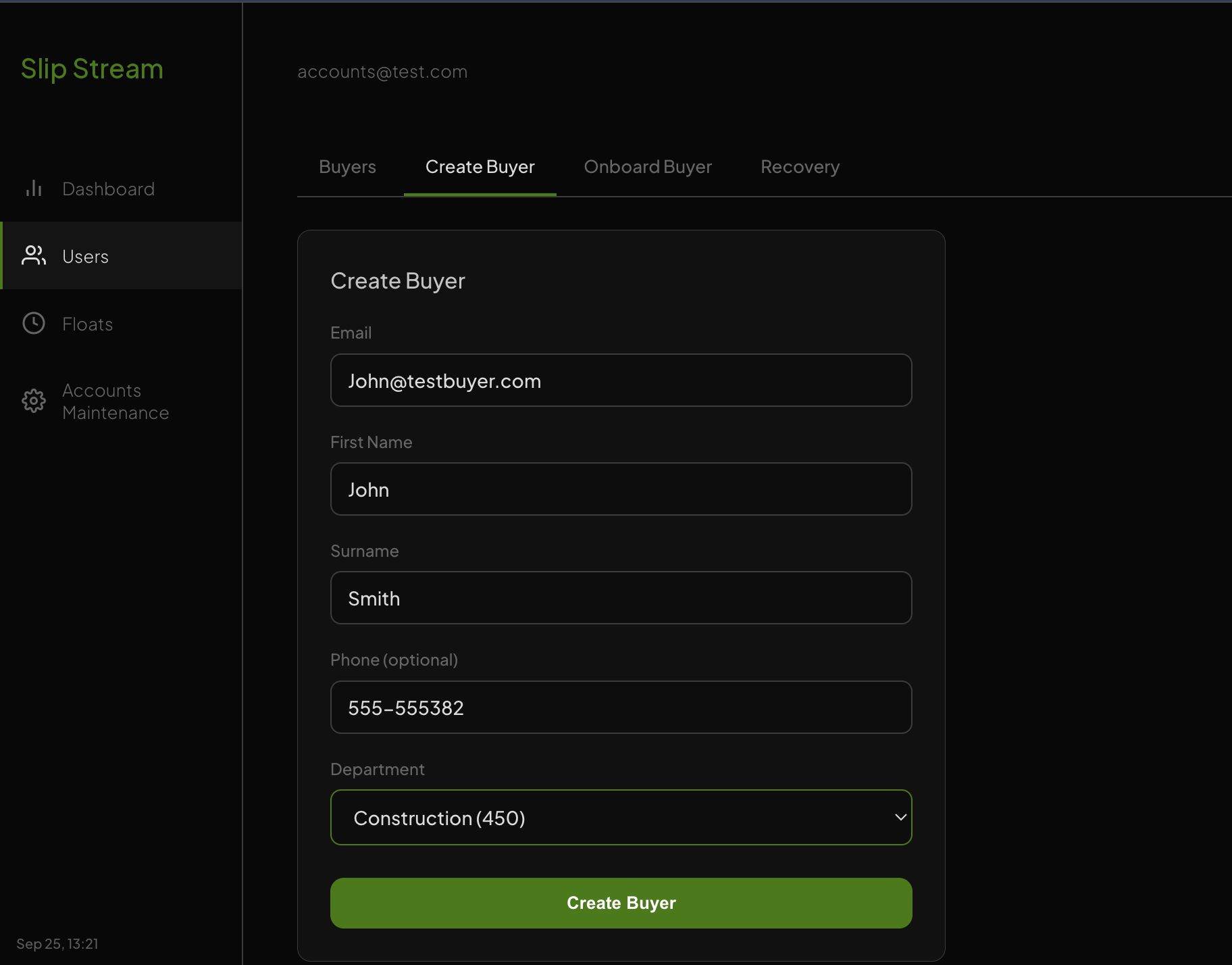
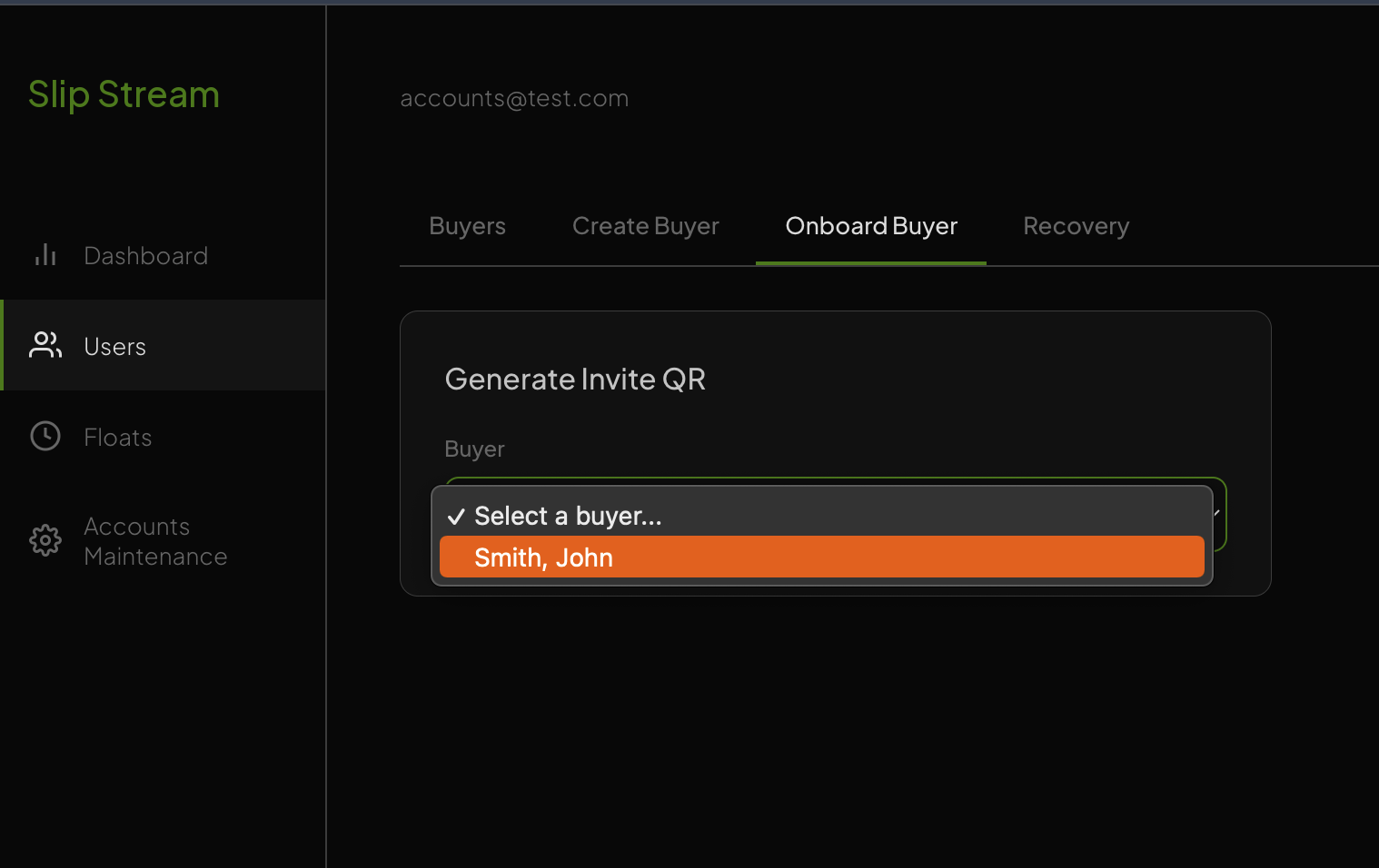
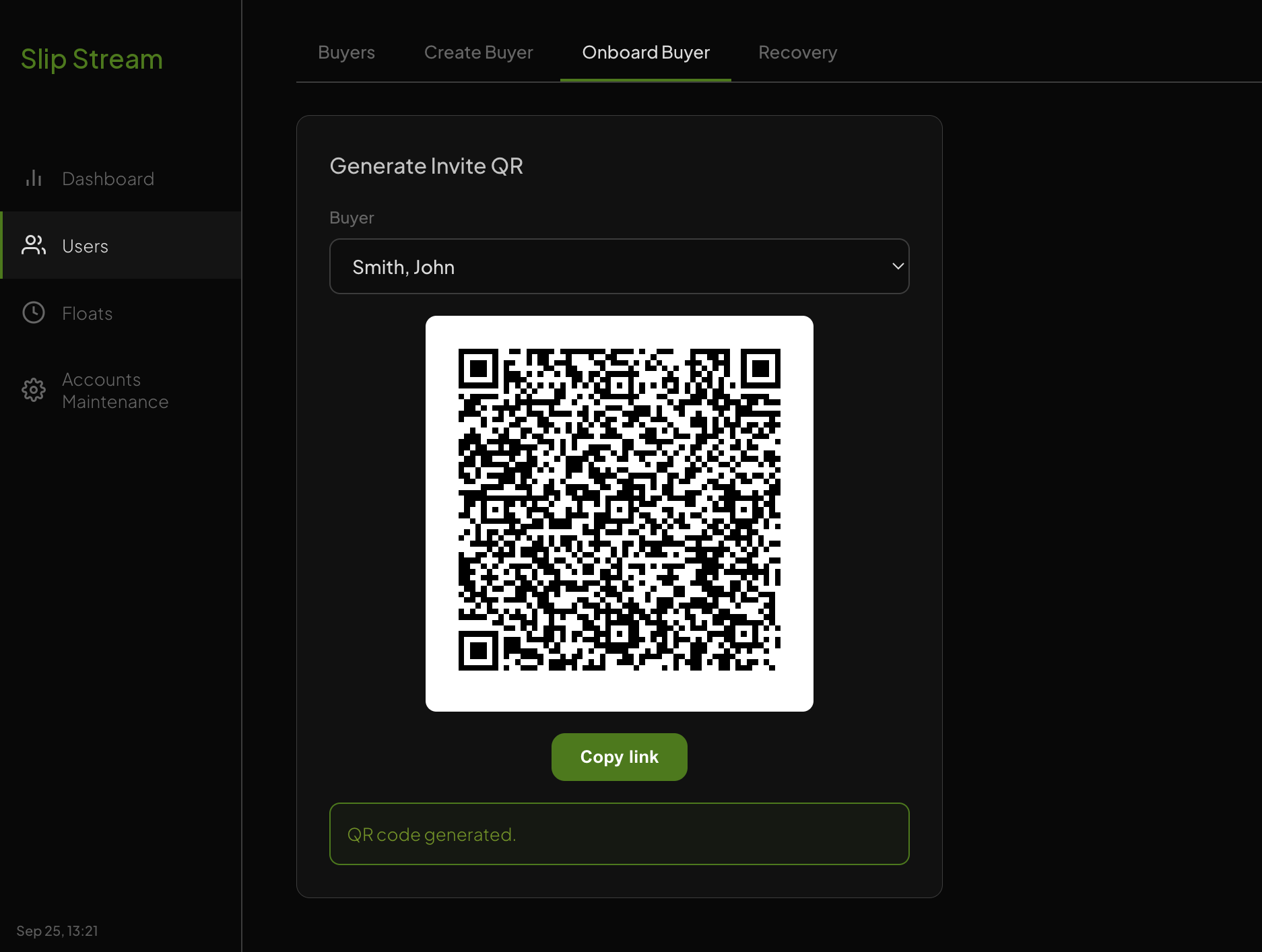
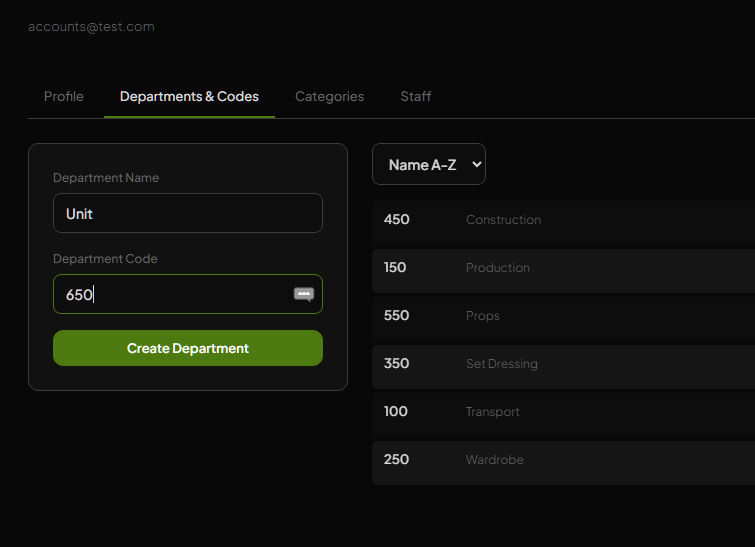
Assign the float
— pick the buyer, enter the amount, Create Envelope
Buyer logs in with a QR scan
No password. The buyer scans the invite QR and the app opens on their own float, ready to spend.
16:34
34%
Slip Stream
M
Welcome, Mary
Signed in with your invite QR · no password
YOUR OPEN FLOAT
R1,000.00
Construction
Ready to spend
Snap every slip
Photo plus a few quick details
No signal? No problem
Saves on the phone, syncs later
Close when you're done
One tap sends everything to Accounts
Get started
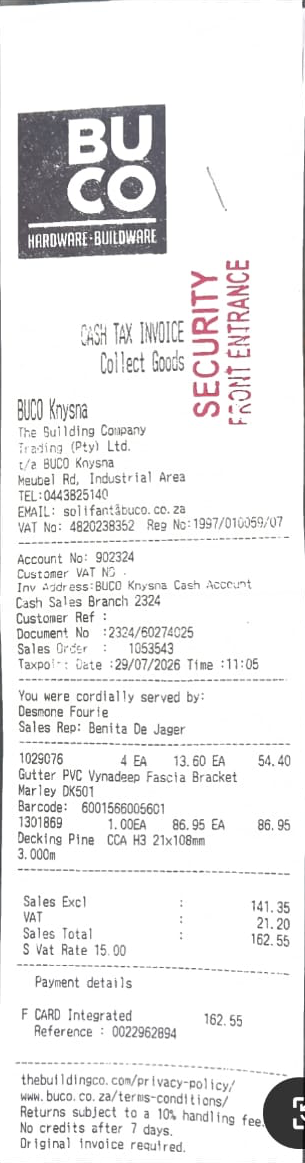
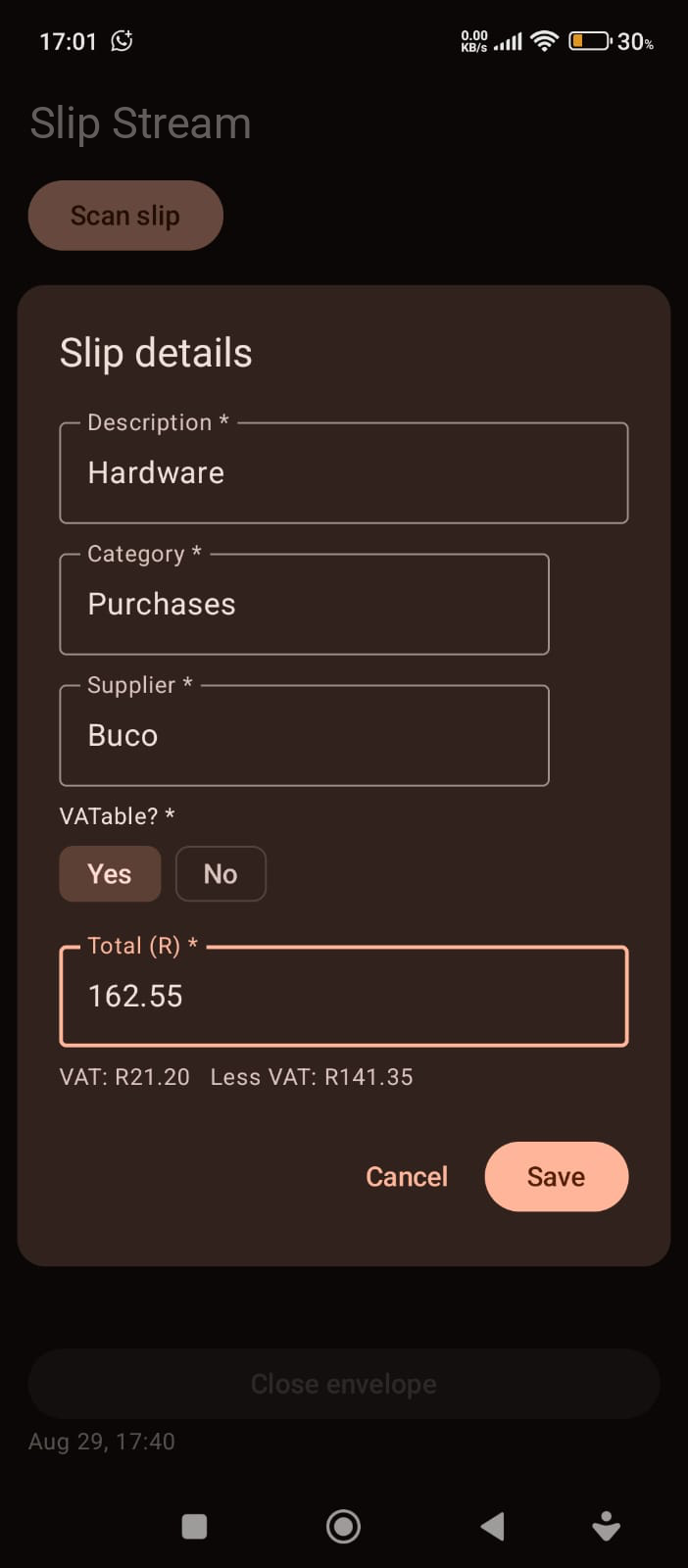
Buyer captures a receipt
{{s4Caption}}
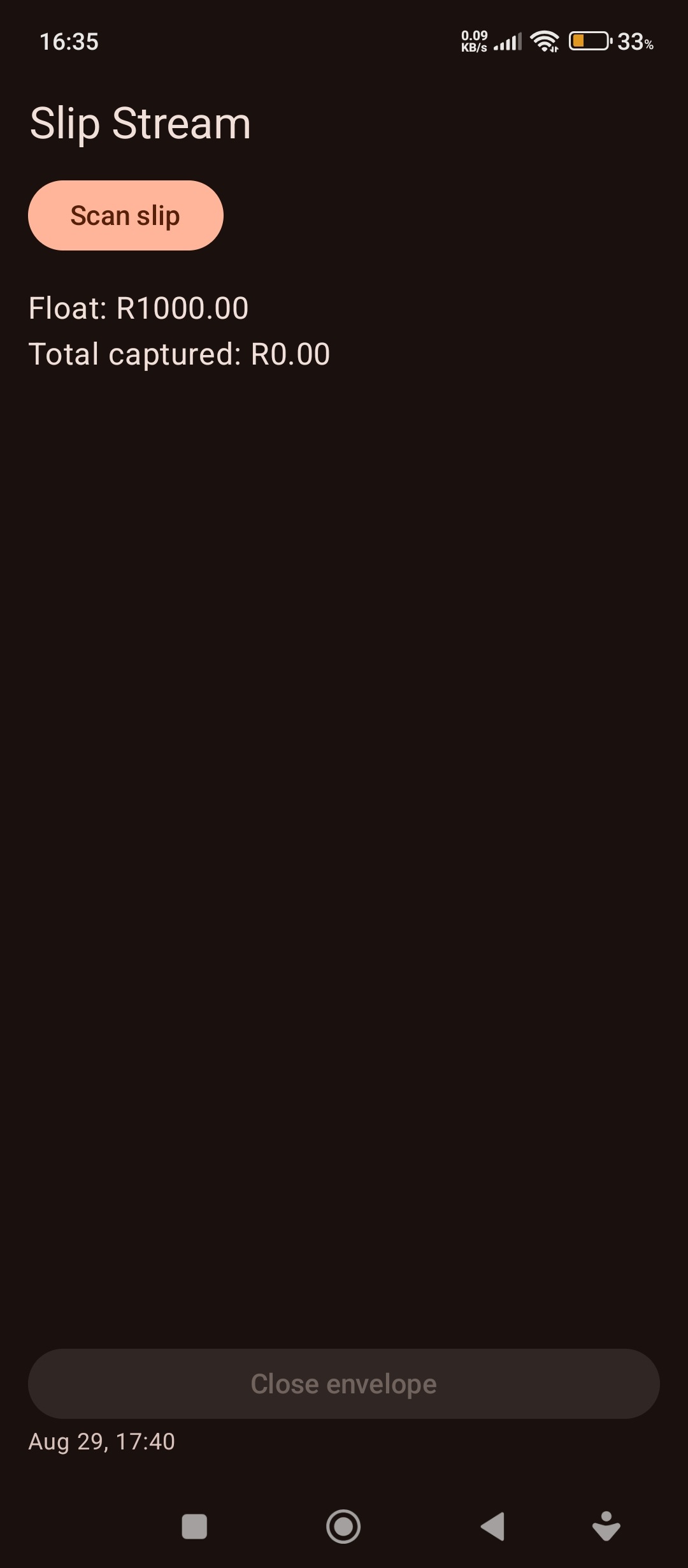
16:45
32%
Review scan
Slip 1
Enhance
Filters
Crop
Discard scan
Next
Accounts sees it land
{{s6Caption}}
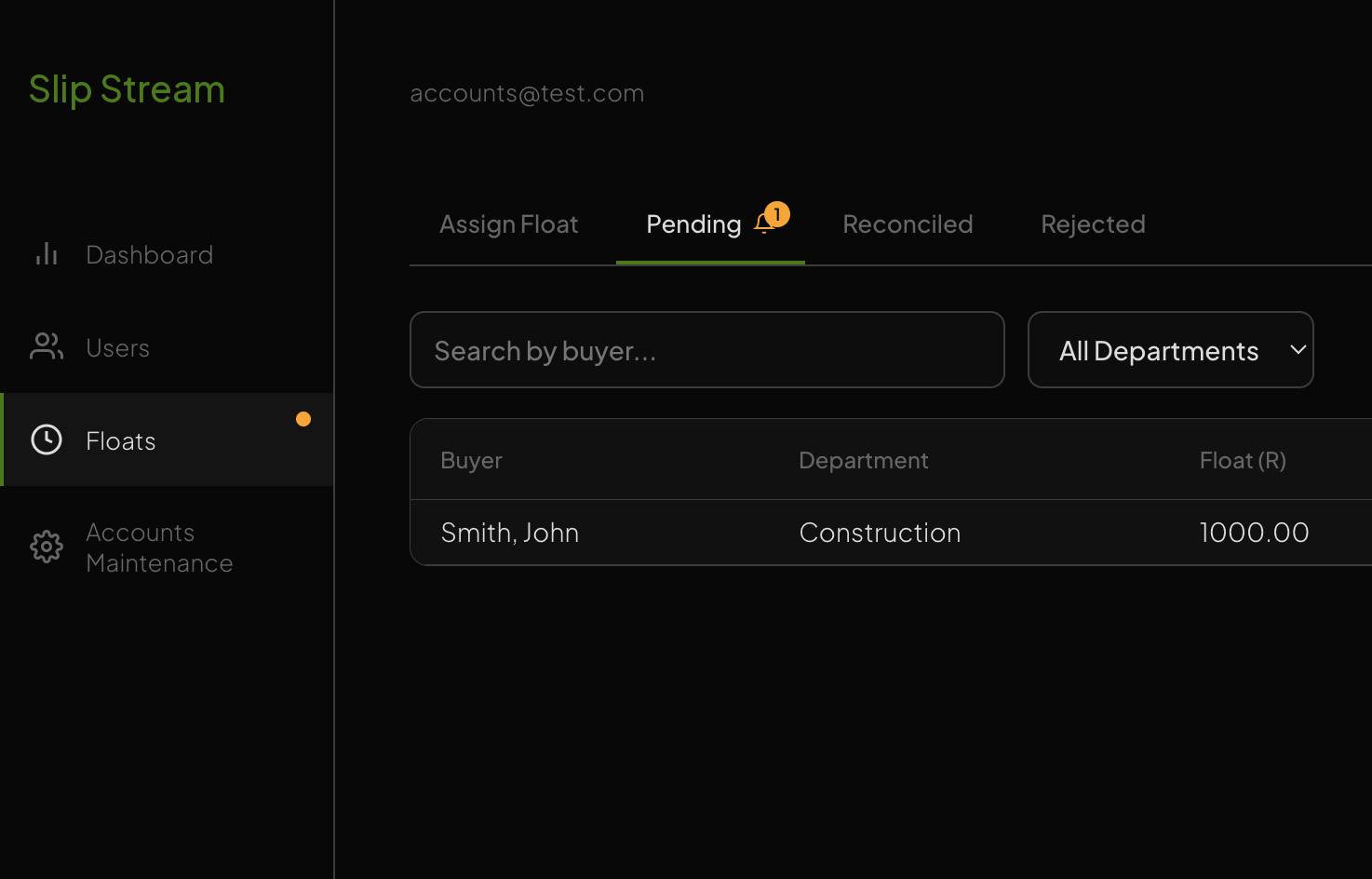
accounts@test.com
4
Logout
Org-wide
Department
Individual
Overall
R186 400
issued
Reconciled
R112 750 (60%)
Outstanding
R73 650 (40%)
Burn rate
ESTIMATE — UNCONFIRMED
80%
spent (est.)
Estimated spend
R58 920 of R73 650
Rate
R6 550 per day
Days left
≈ 2 days
BUYERS
14
OPEN ENVELOPES
9
TOTAL ISSUED
R186 400
RECONCILED
R112 750
OUTSTANDING
R73 650
REJECTED
2 · R3 180
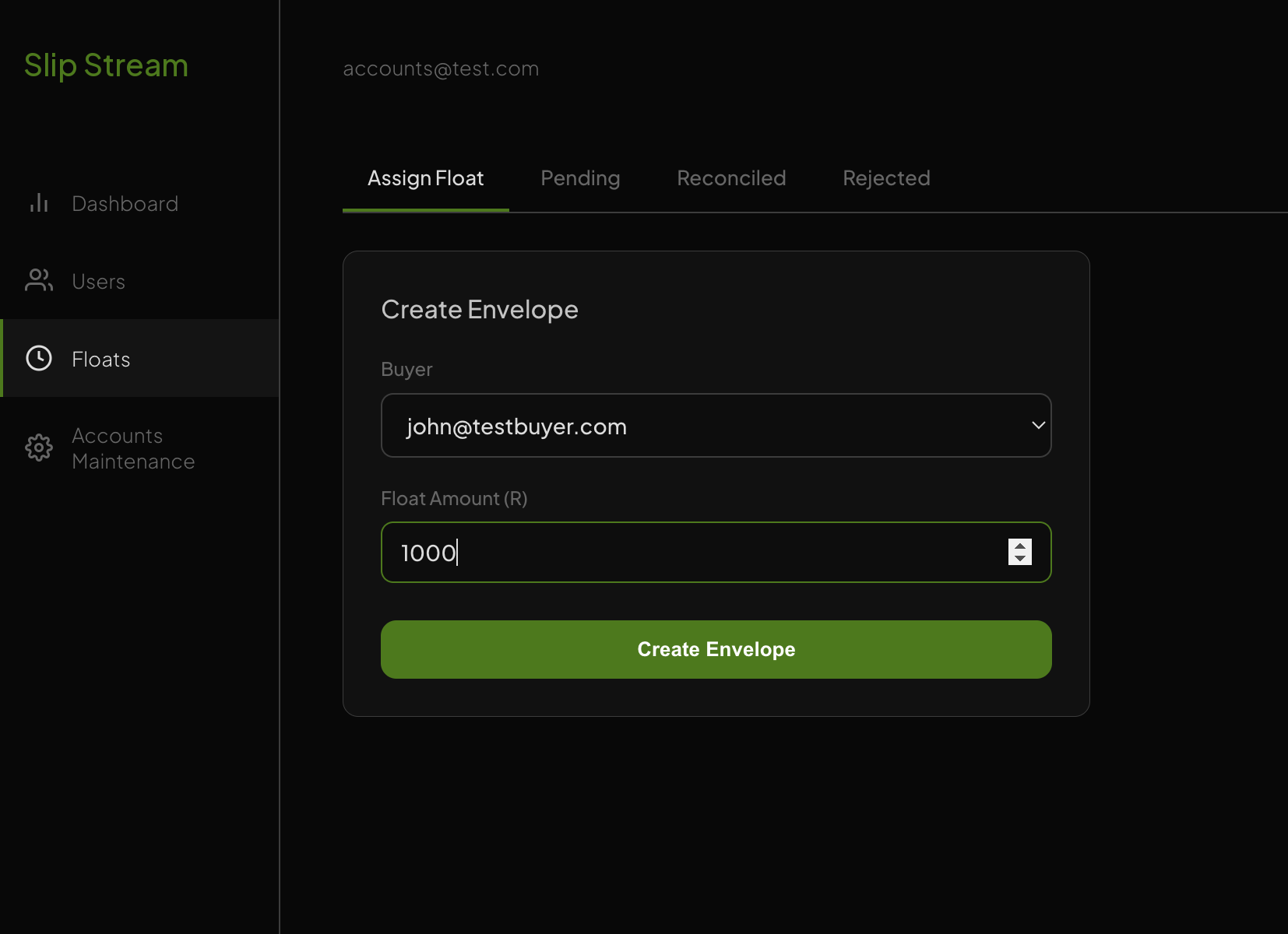
Accounts reviews each slip
{{s7Caption}}
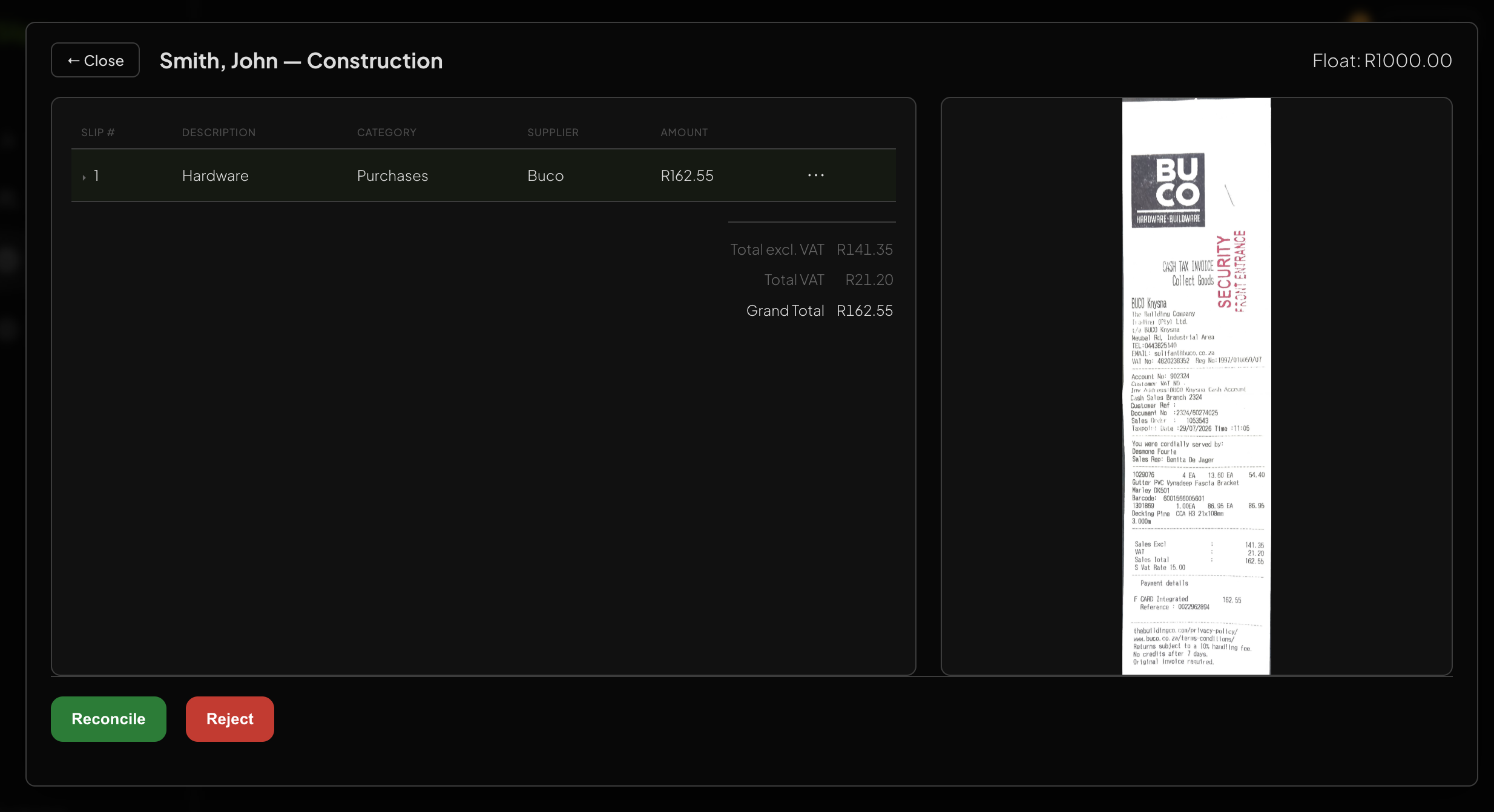
{{s8Title}}
{{s8Caption}}
accounts@test.com
3
Logout
Org-wide
Department
Individual
Overall
{{dIssued}}
issued
Reconciled
{{dRec}}
Outstanding
{{dOut}}
Burn rate
ESTIMATE — UNCONFIRMED
{{dPct}}
spent (est.)
Estimated spend
{{dEst}}
Rate
{{dRate}}
Days left
≈ 2 days
{{dt.label}}
{{dt.value}}
Customisable Options
— production dependent
01
Asset register capture
Log assets straight from the slip as they're bought, so the register builds itself.
02
PSL export
Reconciled spend exported in PSL's import format. No retyping into the accounts system.
03
Approval chain
Each person signs off before it moves on. Accounts only sees it once it's approved.
Buyer
→
HOD
→
Production
→
Accounts